
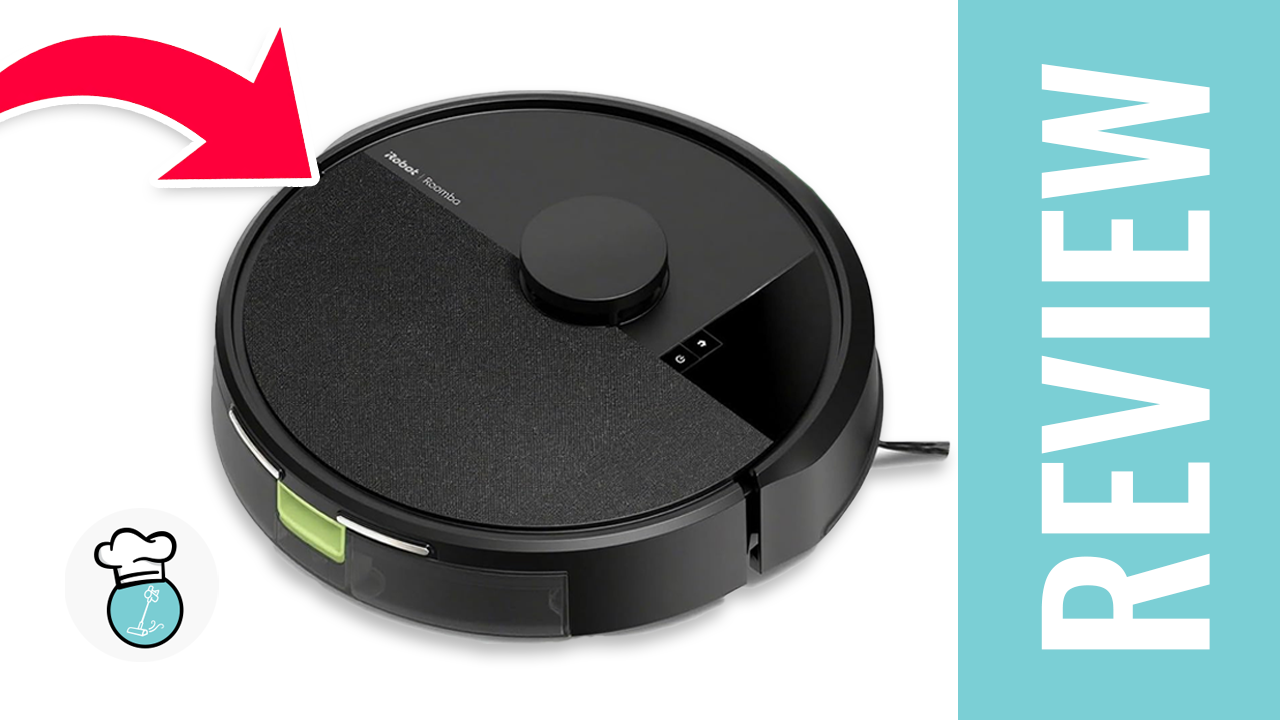
Today we’re taking a closer look at the iRobot Roomba 105, an entry-level robot vacuum designed for users who want reliable automated cleaning without spending premium-level money. If the model sounds familiar, that’s because it’s nearly identical to the Roomba 104. The main distinction is that the 104 is sold as an Amazon-exclusive version, allowing for occasional discounted pricing without affecting the perceived value of the 105. In day-to-day use, however, the two models are essentially the same.
Because of that, if you’ve already seen coverage of the Roomba 104, many of the results here will feel familiar. In most cases, whichever model is cheaper at the time is probably the better buy — and that’s often the 104. Both versions are also available with optional self-emptying bases and mopping attachments depending on the configuration you choose.
iRobot Roomba 105 Vac Robot Vacuum - Easy to use, Intense Power-Lifting Suction, LiDAR Navigation, Multi-Surface Cleaning, Cleans in Neat Rows, Self-Charging
- LiDAR navigation
- Auto-empty dock
- High suction power
- Customizable mapping
- Voice control
- Poor hair management
- Basic obstacle avoidance
- Frustrating app experience
- Average battery efficiency

First Impressions and Setup
Inside the box, you’ll find the Roomba 105, its charging dock and power cable, along with the standard manuals and documentation. Setup is straightforward: place the dock, charge the robot, and connect it through the iRobot Home app.
Existing iRobot users should note that the company currently uses two different apps. The newer app handles the latest devices, while older Roomba models may still require the legacy “Home Classic” app. The updated app works adequately for basic scheduling and cleaning controls, but its interface can feel clunky and unintuitive compared to competing robot vacuum platforms.
Still, once everything is connected, the Roomba 105 gets up and running quickly.
Navigation and Cleaning Performance
One of the most noticeable upgrades compared to older entry-level Roombas is the addition of LiDAR navigation. Mapping is significantly faster and more accurate than previous budget models, making the robot much more efficient during daily cleaning runs.
Build quality also remains one of the stronger points of the Roomba lineup. Even at this lower price point, the vacuum feels sturdy and well-constructed.
In real-world cleaning tests, the Roomba 105 performed reliably on dust, pet hair, and everyday debris. Hair tangles on the main brush were fairly common, though that’s expected from a robot vacuum without a conical or split-roller brush system. Considering the price category, this isn’t unusual.
The Roomba 105 is rated at 7,000Pa of suction power, which is respectable for an entry-level model, though still slightly below the category average among the 100+ robot vacuums we’ve tested. Noise levels were pleasantly low, measuring only about 2 dB above average during operation.
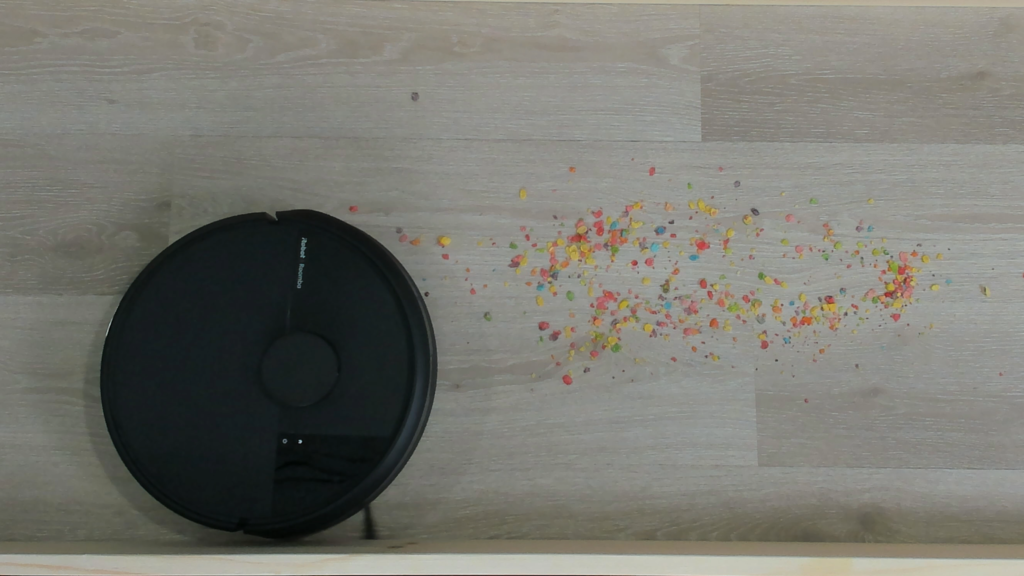
Carpet performance was solid overall. In testing, the vacuum achieved 395 FPM in carpet pickup performance, slightly under the 420 FPM average. Airflow peaked at 0.55 kPa, translating into dependable real-world cleaning results across both hard floors and carpets.
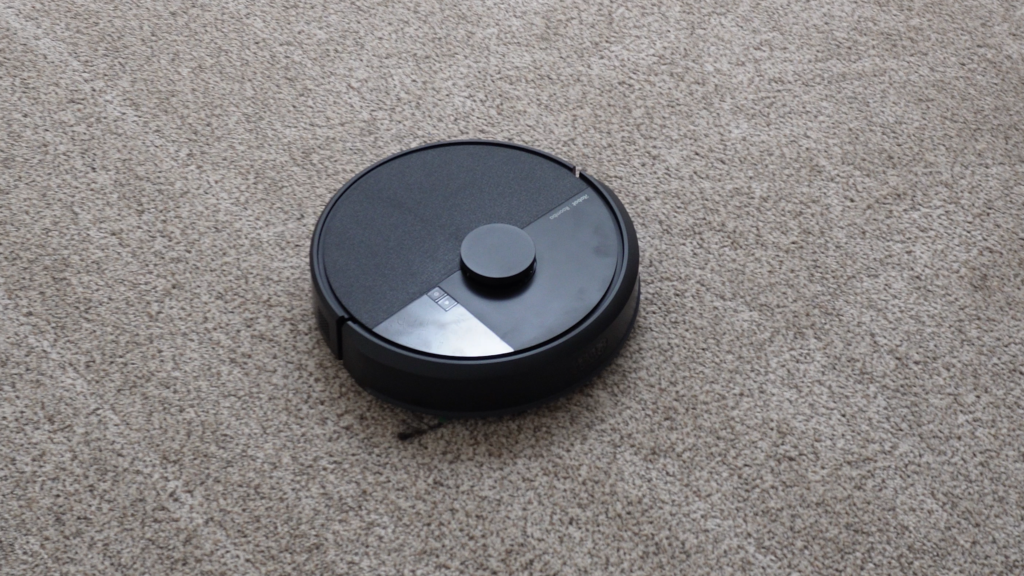
In our practical cleaning evaluations, the Roomba 105 scored 90 out of 100, outperforming the category average score of 88. While the feature set remains fairly basic, the cleaning fundamentals are strong enough for apartments, condos, and smaller homes.
App Features and Smart Controls
he iRobot Home app gives the Roomba 105 access to many of the smart features that have become standard in modern robot vacuums. Users can create smart maps of their homes, set up custom cleaning zones, establish no-go areas, and manage multiple floor plans directly from the app. The vacuum also supports voice assistant integration through Alexa and Google Assistant, making it easy to start or schedule cleanings with simple voice commands.
On paper, the feature set is competitive for an entry-level robot vacuum, especially considering the Roomba 105’s price point. Once the initial setup is complete, everyday tasks like scheduling cleanings or sending the robot to specific rooms are fairly straightforward. The addition of faster LiDAR-based mapping also helps the robot navigate more efficiently than older budget Roomba models.
However, the overall app experience still feels less polished than some competing platforms. While the app includes plenty of customization options, the interface can sometimes feel awkward and unintuitive, particularly for users who frequently adjust maps, edit cleaning zones, or fine-tune settings. Reports of occasional crashes and connectivity issues also remain a common complaint among users. For basic operation, the app works well enough, but power users may find the experience more frustrating than expected.
User Feedback and Common Complaints
User feedback for the Roomba 105 has been mixed overall, with the vacuum averaging around 3.7 stars across online reviews.
Many users praise the fast mapping, scheduling tools, and overall cleaning reliability for everyday dirt and debris. However, several recurring complaints appear consistently in customer feedback.
The biggest issue is obstacle avoidance. The Roomba 105 struggles more than many competing models when navigating around cables, clutter, or smaller objects left on the floor. Edge cleaning also tends to be average rather than exceptional, and the dustbin may require frequent emptying in homes with pets.
Opinions on build quality vary as well. Some users consider it one of the best options in its price range, while others feel the construction doesn’t justify the branding.
The app experience is another commonly criticized area, with reports of crashes, connectivity issues, and inconsistent performance on both phones and tablets. Battery life and setup experiences also appear to vary considerably depending on the user.
Final Thoughts
The iRobot Roomba 105 is ultimately a solid but cautious update to iRobot’s entry-level lineup. The addition of LiDAR navigation and faster mapping noticeably improves usability, and the vacuum handles everyday cleaning tasks reliably.
At the same time, limited obstacle avoidance and a frustrating app experience prevent it from standing out in an increasingly competitive market.
For budget-conscious buyers looking for a straightforward robot vacuum for smaller spaces, the Roomba 105 remains a functional and affordable option. It may not redefine the category, but it gets the fundamentals right. With a few software improvements and minor hardware refinements, it could become a much stronger contender in the entry-level robot vacuum space.
iRobot Roomba 105 Vac Robot Vacuum - Easy to use, Intense Power-Lifting Suction, LiDAR Navigation, Multi-Surface Cleaning, Cleans in Neat Rows, Self-Charging
- LiDAR navigation
- Auto-empty dock
- High suction power
- Customizable mapping
- Voice control
- Poor hair management
- Basic obstacle avoidance
- Frustrating app experience
- Average battery efficiency
Leave feedback about this