


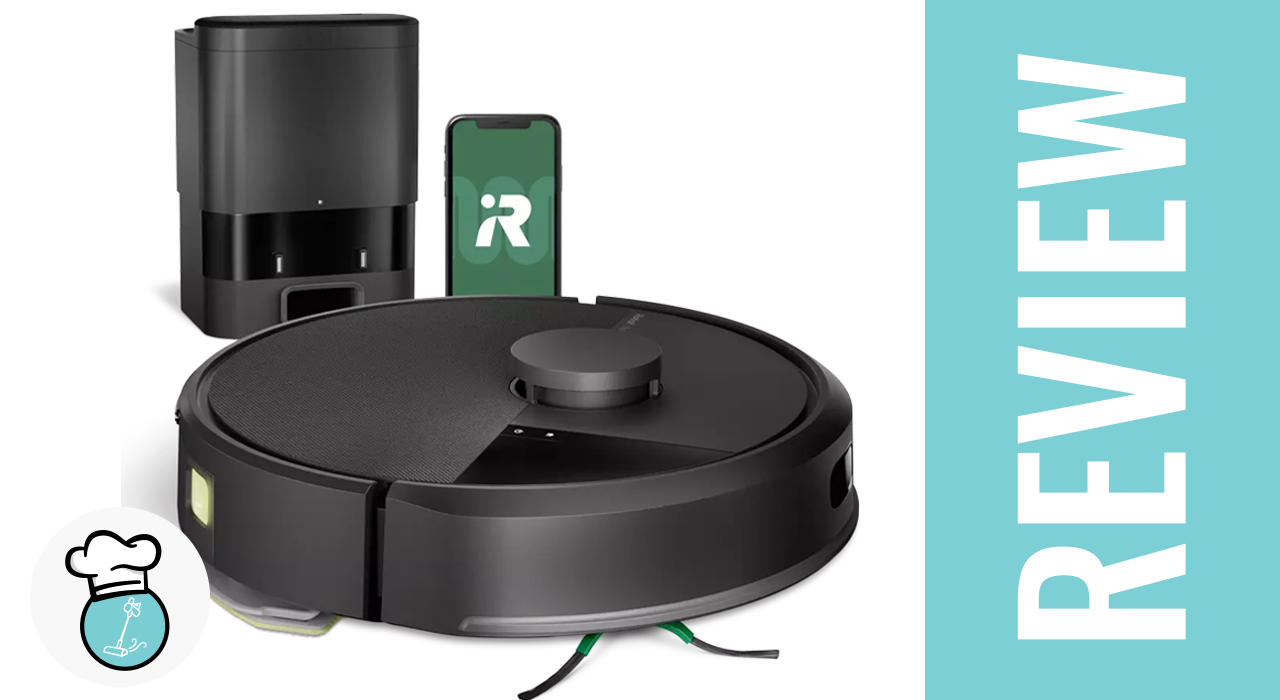
Today, we’re taking a closer look at the iRobot Roomba 105 Combo, the latest generation of Roombas. My first hands-on experience with this model revealed some welcome updates, but also a few areas where it falls short. We’ll also compare it against more than 100 other robot vacuums we’ve tested to give you the full picture.
Note: Big thanks to iRobot for sending this unit. This review is not sponsored—we’ll provide an honest, data-driven take.
iRobot Roomba 105 Combo Robot Vacuum & Mop with AutoEmpty Dock - Self-Empties for 75 Days, Intense Power-Lifting Suction, LiDAR Navigation, Multiple Cleaning Modes, Avoids Mopping Carpet


Unboxing and Setup
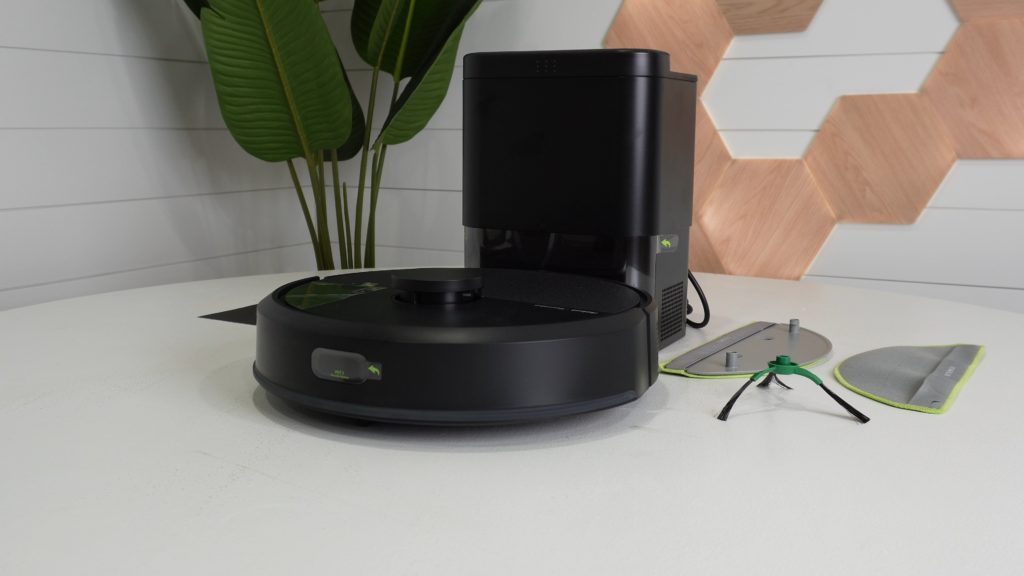
Inside the box, you’ll find the iRobot Roomba 105 Combo, a charging station with a power cord, an extra mop pad, and the usual product literature. Setup is straightforward: plug in the dock, fill the clean water tank, and let the unit charge. After that, connect it to the iRobot Home app, available on both iOS and Android, and you’re ready to go.
For users of older iRobot models, like the 600i or J series, there’s an important distinction. The original app is now called the iRobot Home App Classic. While your account info transfers over and you can still control legacy devices, the new app only handles the newer models. This split can feel awkward, and the interface itself isn’t particularly intuitive. Users who rely heavily on app controls may find this frustrating. However, if you primarily set cleaning schedules and rarely use the app, it shouldn’t be a major obstacle.
Firmware Update Experience
Right out of the box, the Roomba 105 Combo required a firmware update that took nearly an hour to complete. The process was clunky, provided minimal feedback, and often appeared frozen, which made troubleshooting confusing. While the update eventually finished successfully, it left a poor first impression, echoing issues we’ve seen in previous iRobot models like the Roomba 405.
Design and Navigation
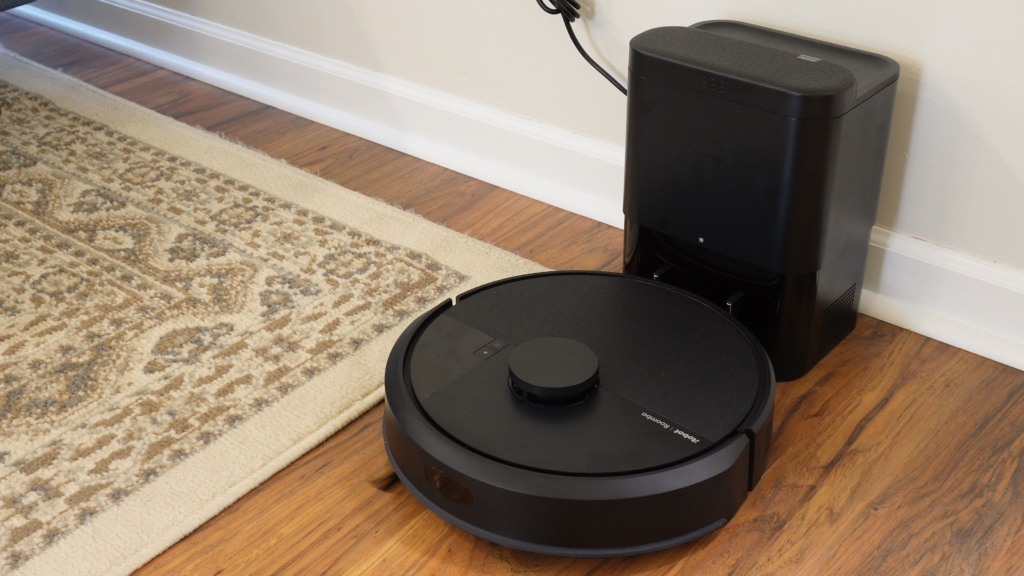
iRobot has introduced a lighter navigation module with this model, which is an exciting improvement. The Roomba 105 Combo retains iRobot’s signature clean aesthetic and high-quality fit and finish, giving it that instantly recognizable Roomba look.
Mapping speed has also improved significantly. Initial mapping is now much faster than previous non-LIDAR models, making it more competitive with other robot vacuums on the market. For anyone who has used older Roombas, this upgrade is particularly noticeable.
Cleaning Performance
When it comes to vacuuming, the Roomba 105 Combo handles dust, crumbs, and pet hair very effectively, even in a home with pets. Carpet cleaning performance is strong, although we did notice some hair tangles on the brush roller, which is to be expected since it lacks a conical or anti-tangle roller. On the plus side, iRobot finally provides suction numbers, and at 7,000 Pascals, the 105 Combo is solid for an entry-level vacuum. In our carpet test, it reached 395 FPM (feet per minute), slightly below the category average of 420 FPM, but the highest we’ve recorded from an iRobot entry-level model. Airflow peaked at 0.55 kPa, which helped deliver reliable real-world cleaning performance. Overall, the 105 Combo scored 90 out of 100 in our practical cleaning tests, slightly above the overall average of 88, showing that it performs better than its specs might suggest.
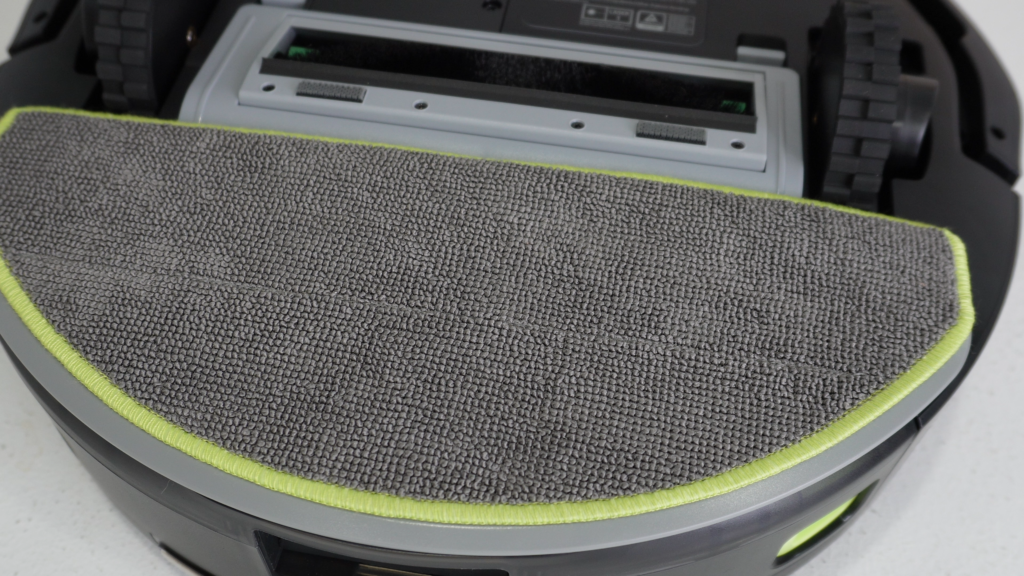
The mopping system is more basic. It uses a simple drag-and-wipe design, which works for light cleaning but is not as thorough as roller or dual spinning mops. There’s no mop lifting feature, so carpets may get damp unless you manually remove the mop or set no-mop zones. Water flow can be adjusted in the app, but the control isn’t very precise, and the mop pad requires manual cleaning. Still, the auto-empty system is compact, well-designed, and convenient, allowing a few months of operation without needing to touch the vacuum bag—a nice feature at this price point.
App Experience
The iRobot Home app supports features such as customizable cleaning schedules, smart mapping, zone-specific cleaning, multi-floor mapping (up to three maps), no-go zones, and voice control through Amazon Alexa and Google Assistant. While the app provides a solid feature set, the user experience leaves much to be desired. The interface is clunky and unintuitive, making navigation frustrating. A smoother, more responsive app could greatly enhance the overall experience, as the current interface significantly undermines usability.
User Feedback
The Roomba 105 Combo currently holds a 3.9 out of 5-star rating from users. Many appreciate it as a budget-friendly option that reliably handles everyday floor cleaning, including dust, debris, and pet hair. Features like smart mapping, scheduling, and the auto-empty dock are consistently praised. However, some users note its limitations, such as basic mopping performance, lack of advanced obstacle avoidance, and the ongoing cost of disposable vacuum bags. Opinions on noise levels are mixed; some users find it quiet, while others report it can be loud during vacuuming or the auto-empty process.
Final Verdict
The iRobot Roomba 105 Combo brings some meaningful updates to iRobot’s entry-level lineup, particularly faster mapping and reliable cleaning performance. It handles everyday messes with ease and offers convenient features like the auto-empty dock.
That said, its basic mopping system, lack of advanced navigation, and unintuitive app interface hold it back. For budget-conscious users who want a dependable daily cleaner, it’s a solid choice, but it feels more like an incremental update than a bold leap forward. With improvements to the app and a few hardware enhancements, the Roomba 105 Combo could easily become a much stronger contender in the entry-level robot vacuum category.
iRobot Roomba 105 Combo Robot Vacuum & Mop with AutoEmpty Dock - Self-Empties for 75 Days, Intense Power-Lifting Suction, LiDAR Navigation, Multiple Cleaning Modes, Avoids Mopping Carpet